
Free Microsoft Office Templates for Word, Excel & PowerPoint
128 editable templates for work, home and school. No signup, no watermark, no trial version — download the file, change the text, done.
Browse all 128 templates · Most downloaded · How to edit a template
- Formats.docx · .xlsx · .pptx · .pdf
- Opens inMicrosoft 365, Google Docs & Sheets, LibreOffice, Apple Pages
- LicenceFree for personal and commercial use
- AccessNo account, no email, no paywall
Browse by category
Every template on this site sits in one of seven collections. Pick the one closest to what you are working on.
Stationery & PrintFlyers, brochures, invitations, ID cards, labels, memos and letterheads.32 templates
Schedules & PlannersShift rotas, daily and weekly planners, lesson plans, calendars and project plans.20 templates
Budgets & FinanceHousehold and business budgets, invoices, expense reports and amortisation sheets.18 templates
Agreements & ContractsRental and service agreements, NDAs, partnership and separation documents.13 templates
Proposals & QuotesBusiness, investment, sponsorship and real estate proposals, plus quotations.7 templates
Certificates & AwardsBlank certificates, school awards, gift certificates and share certificates.4 templates
See everythingThe full index of every template on the site, grouped by category.All 128 →
Most popular templates
These sixteen get downloaded more than anything else on the site. Each page has several variants to choose from.
 Invoice Templates
 Monthly Budget Templates
 Gift Certificate Templates
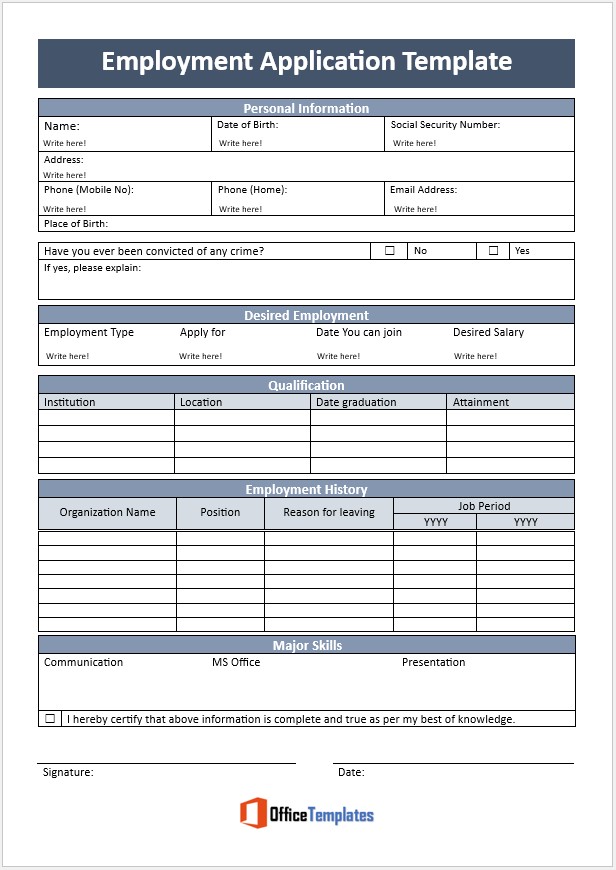 Employment Application Forms
 Rental Agreement Templates
 Daily Schedule Templates
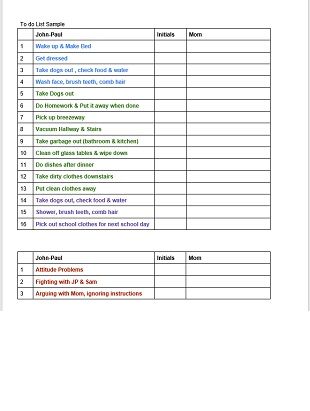 Checklist Templates
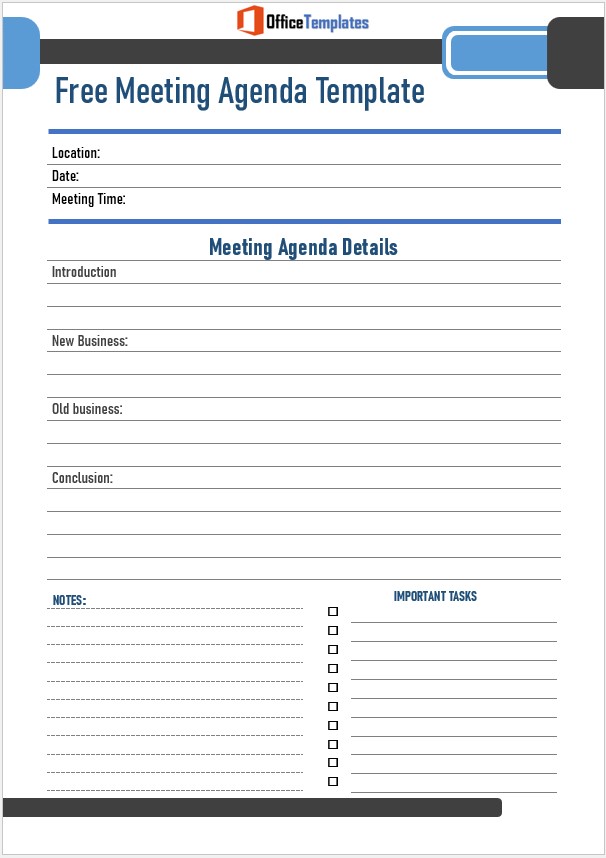 Meeting Agenda Templates
 Price List Templates
 Project Plan Templates
 Memo Templates
 Lesson Plan Templates
 Business Proposal Templates
 Quotation Templates
 Organogram Templates
 Weekly Calendar Templates
How to use these templates
Every file on this site works the same way. You do not need a paid Microsoft subscription for any of it.
-
Download the file
Each template page shows a preview of every variant. Click the download link under the one you want and the file saves straight to your computer — no account, no redirect, no waiting page.
-
Open it in whatever you have
Word, Excel and PowerPoint files open in Microsoft 365, but also in the free alternatives. Upload a .docx to Google Docs or an .xlsx to Google Sheets and it opens with formatting intact. LibreOffice and Apple Pages and Numbers handle them too.
-
Replace the placeholder content
Type over the sample text with your own. To swap a logo, right-click the existing image and choose Change Picture. To change the colour scheme across a whole document at once, use the Design tab in Word or the Page Layout tab in Excel rather than recolouring cell by cell.
-
Save a copy, then export
Keep the edited file as your reusable master, then use File → Save As → PDF for anything you are sending to someone else. A PDF keeps your layout fixed and stops the recipient editing it by accident.
Recently added and updated
The newest templates on the site.
 Agreements & ContractsBusiness Agreement Templates"Business agreement" is not one document. It covers at least four, and they govern completely different relationships — which is why the…
 Schedules & PlannersLesson Plan TemplatesMost lesson plan templates give you boxes to fill in and no help with the two things that actually make a plan…
 Stationery & PrintGraph Paper TemplatesThe commonest problem with printable graph paper is not finding it. It is that the squares come out the wrong size, which…
 Lists, Logs & TrackersBlood Pressure Tracker TemplatesA blood pressure log is only as good as the readings in it, and a surprising amount of home measurement is done…
 Lists, Logs & TrackersDaily Workout Log TemplatesThe point of a workout log is not discipline or motivation. It is that progress in training is largely invisible week to…
 Lists, Logs & TrackersPrice List TemplatesA price list is a layout problem for an afternoon and an arithmetic problem for as long as the business runs. The…
Common questions
Are these templates really free?
Yes. There is no paid tier, no trial, and nothing is held back behind a signup form. The site is supported by advertising, not by selling the files.
Can I use them for commercial work?
Yes. You can use any template for your own business — invoices you send to clients, contracts you sign, flyers you print and sell from. The one thing you may not do is redistribute the template files themselves as your own product. Full details are on our Terms of Use page.
Do I need to own Microsoft Office?
No. Google Docs and Google Sheets open Word and Excel files for free in a browser, and LibreOffice is a free desktop alternative. Microsoft also offers free web versions of Word and Excel at office.com.
What file formats do you offer?
Mostly .docx for documents and .xlsx for spreadsheets, with some .pptx presentations and .pdf print files. Each template page states the format before you download.
Where do these templates come from?
The large majority are designed in-house by us. A small number are public domain documents we have reformatted and cleaned up. Nothing on the site is copied from a commercial template vendor. More on our About page.
Can you make a template I need?
Often, yes. Send us the details through the contact form and tell us what fields it needs. Requests that come up more than once get built first.
About Office Templates
We have been publishing free, editable office documents since 2019. Every template is built and checked by hand in Microsoft Word or Excel, then tested in Google Docs and LibreOffice before it goes up, so what you download actually opens and actually works. We are an independent site and are not affiliated with Microsoft Corporation.